An abundance label tells you where a target is favored or where an active hunt is located; it does not override every other fish condition. The reliable loop is to enter the marked water, verify the target's requirements, and cast inside the boundary.
Read What the Radar Actually Shows
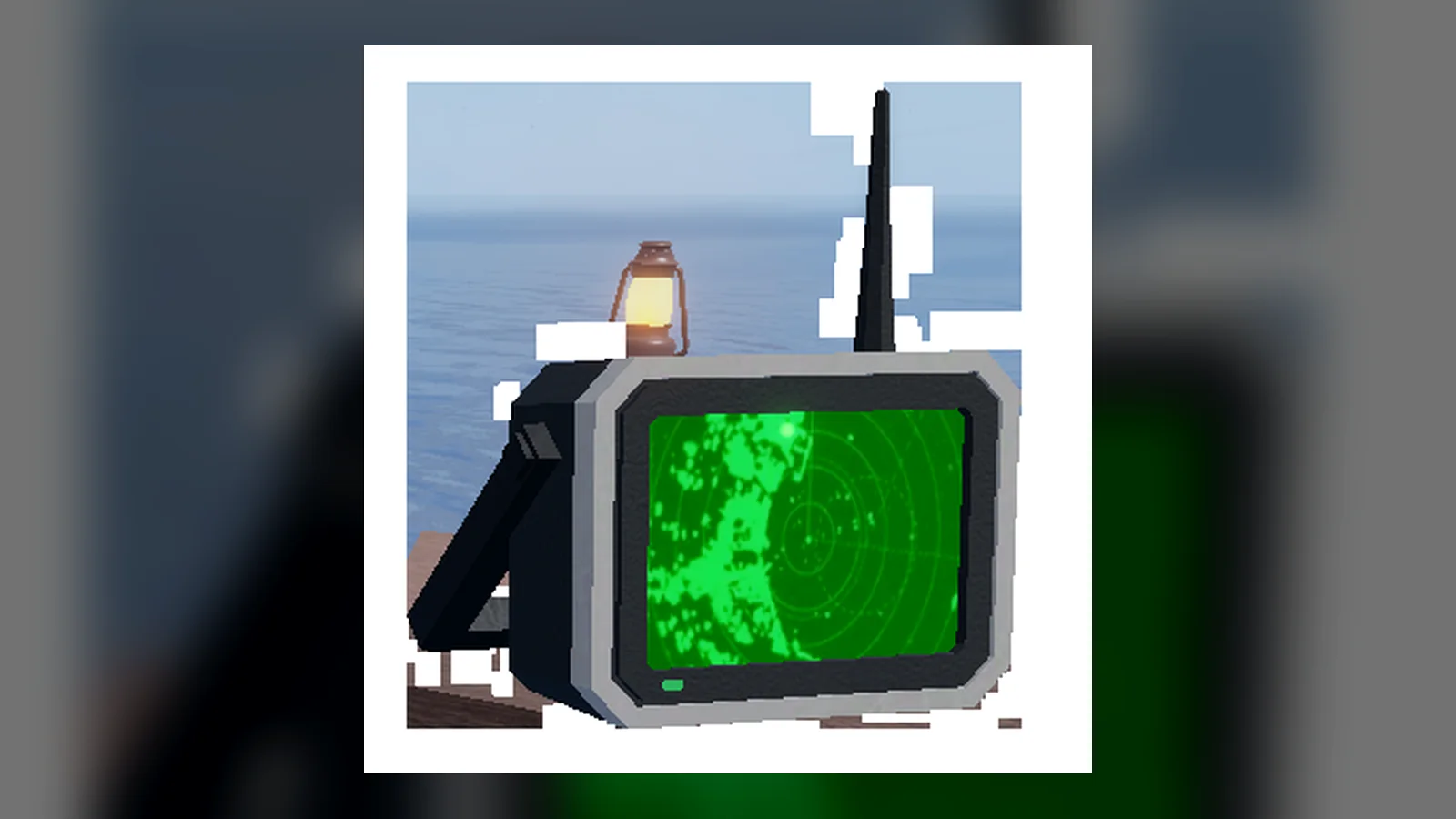
Fish Radar makes supported abundance areas and hunt zones visible. A normal abundance label points to an area associated with a fish or object. An event or hunt label points to temporary water created for that activity. In both cases, the label answers “where should I try?” rather than “what will I catch next?”
This distinction matters because several systems determine a catch. Location is only one filter. The game can still check time of day, weather, season, bait, event state, and other access conditions. You may stand in the correct zone and catch unrelated fish while waiting for the target conditions or the target roll.
The radar remains useful after you switch back to a fishing rod. You do not need to hold it during every cast. Turn it on once, verify the enabled message, identify the label, then equip the rod you actually intend to use.
Stand and Cast Inside the Marked Water
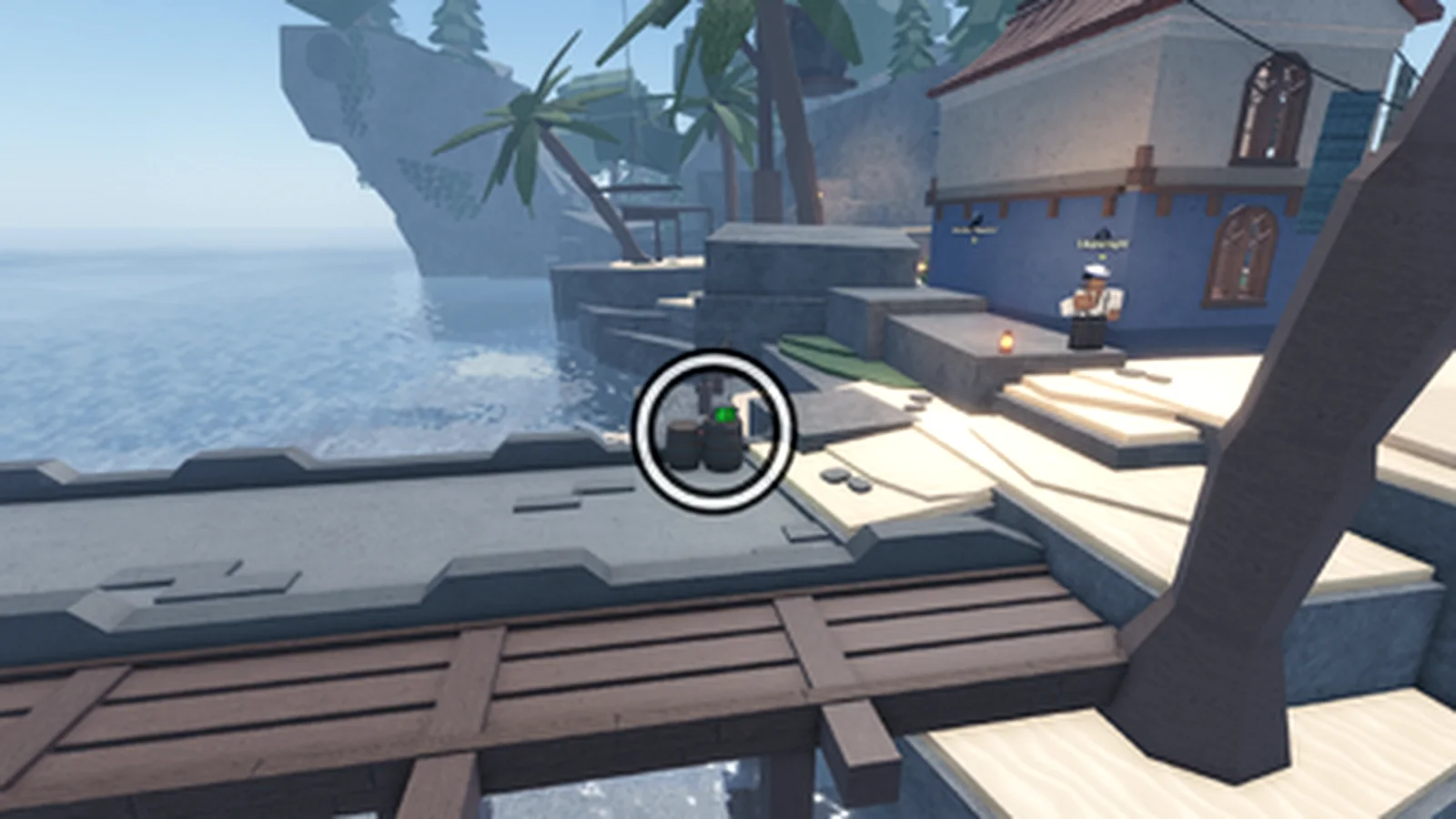
Use the same sequence every time:
- Equip Fish Radar and toggle it on.
- Find the target label and move your character or boat inside the marked water.
- Open the Bestiary or a current target reference.
- Check time, weather, season, bait, and event requirements.
- Equip the correct bait and rod.
- Cast inside the zone and evaluate several catches rather than one.
- If nothing relevant appears, re-check conditions before moving.
This loop separates a location problem from a condition problem. If the label is visible, the radar is functioning. If the target does not bite, another requirement or ordinary catch probability is the more likely explanation.
Separate Normal Zones From Hunt Zones
Normal abundance areas are persistent location hints tied to supported fish or objects. Their exact usefulness depends on the target: some simply improve the chance, while some catches are associated with a particular abundance area.
Hunt zones are temporary. A Megalodon Hunt or another server activity can create a distinct target area for a limited window. Reaching the old coordinates after the hunt ends will not recreate the event. Confirm that the current server announced or displays the hunt before spending time at a remembered spot.
Special pools and server events can also have rules beyond location. The radar can reveal the water without granting access, changing the weather, or supplying the required bait. Treat the label as one part of the checklist.
Follow Moving Labels in the Current Server
Some players describe a target as “lost” because a label is no longer where a screenshot showed it. The likely causes are a moving hunt, a new server state, a completed event, or a map update. A screenshot is evidence of one server moment, not a permanent coordinate.
When a zone seems to have moved:
- Toggle the radar off and on to confirm its state.
- Scan the surrounding water instead of standing on the old coordinate.
- Check whether the hunt or event is still active in your server.
- Sail toward the current visible label rather than a guide image.
- If no label exists, change servers only when the target requires a server event; do not server-hop for a normal condition you can fix locally.
This approach is especially important for temporary hunts. The current radar display outranks a static map.
Combine the Zone With Time, Weather, and Bait
A visible label with no target catch is usually not a broken radar. Work through the remaining filters:
- Wrong time: Day and night preferences still apply.
- Wrong weather: The zone does not create rain, fog, wind, or clear weather.
- Wrong season: A seasonal preference can remain relevant inside the correct water.
- Wrong bait: Abundance improves location odds but does not equip the preferred bait.
- Inactive event: Old hunt water is not an active hunt.
- Casting outside the boundary: Your character can see a label while the float lands beyond the useful area.
- Small sample: A probability boost is not a guaranteed first-cast result.
Change one variable at a time. If you change server, bait, rod, and location together, you will not know which condition fixed the route.
Troubleshoot a Zone That Looks Empty
If no labels appear anywhere, confirm you purchased the permanent Fish Radar and toggled it successfully. Look for the enabled message. Move near open fishing water, because an interior or distant position may not show a useful zone.
On a crowded screen, rotate the camera, reduce visual clutter if your settings allow it, and move a short distance away from overlapping names. Re-equipping the radar and toggling once can confirm its state, but repeated rapid toggles do not generate new zones.
If one specific target has no label, check whether that fish actually has a radar location. Not every Bestiary entry uses one. A blank radar-location field is not a malfunction.
Avoid These Radar Mistakes
- Treating the zone as a guarantee: It improves or identifies location; chance and conditions remain.
- Holding the radar instead of the rod: The labels remain after switching tools.
- Following an old screenshot during a hunt: Temporary zones depend on the current server.
- Ignoring the float position: Cast into the marked water, not merely while your character stands nearby.
- Assuming every fish has a zone: Some entries list no radar location.
- Buying another radar to fix a condition: The tool is permanent; a second purchase does not improve it.
Recheck the Live Zone After Updates
This guide reflects Fish Radar behavior documented on August 30, 2026. Supported fish, event zones, labels, and catch conditions can change with Fisch updates. Use the live Bestiary and current server message for the final condition check.
If you do not own the tool yet, use the Fish Radar location and coordinate guide. For the basic purchase, toggle, and first troubleshooting pass, use How to Get and Use Fish Radar.